
The Parent's Guide to Digital Legacy: Passing On Your Life's Digital Wisdom
Ask most parents what they want their children to inherit and almost nobody says "the password to the Nest thermostat." They say something about values, or stories, or knowing where they came from.
Then look at what people actually prepare. Estate planning covers assets and access – the will, the accounts, the logins, and the insurance. Every one of those is necessary, and not one of them is the thing anyone said they cared about.
There's a gap between the legal version of digital legacy and the human one, and the human one takes about the same amount of effort. It just gets skipped, because it never appears on a checklist.
Accounts Are Recoverable – Memories Aren’t
The administrative half is well documented. You need your accounts inventoried, your passwords accessible to whoever needs them, your important documents findable, and legal authority granted to someone specific. Most people who tackle this at all tackle this.
The other half is everything that made you a specific person rather than a set of accounts. The reasoning behind decisions you made, and what you learned the hard way. The context behind the photographs, and why the family does the thing it does at Christmas. The story of how your parents met, which right now exists only because you happen to remember your mother telling it.
That material has a short half-life. It survives one generation by oral transmission and then usually stops. Ask anyone to tell you something specific about their great-grandmother and watch how fast they run out of things to say.
The second half is the part that can't be reconstructed later. A determined executor can eventually get into a locked account, but nobody can reconstruct why your family always eats apple pie on Christmas Eve.
Start With the Administrative Layer
Do this first, because it's finite and it unblocks everything else.
Inventory your accounts. Financial, email, cloud storage, subscriptions, social media, domains, loyalty programs, and anything holding photographs. Note where each one lives and what happens to it if nobody logs in for two years.
Sort out access. Password managers with emergency access are the standard answer. The requirement is that a specific named person can get in, knows they've been named, and knows where to start. An immaculate system nobody has been told about is the most common failure in this whole area.
Handle the legal authority. Digital assets often need explicit mention in a will, and platform-specific tools exist – legacy contacts, inactive account managers, and similar. They're worth ten minutes each.
Say what you want to happen. Should your social accounts be memorialized or deleted? Should the photo library go to everyone or to one person? Should anything be destroyed unread? Your family will guess if you don't tell them, and they'll disagree about the guess at the worst possible moment.
Do This Next – While You Still Can
This is the part most guides skip entirely, and it's the part with the shortest window.
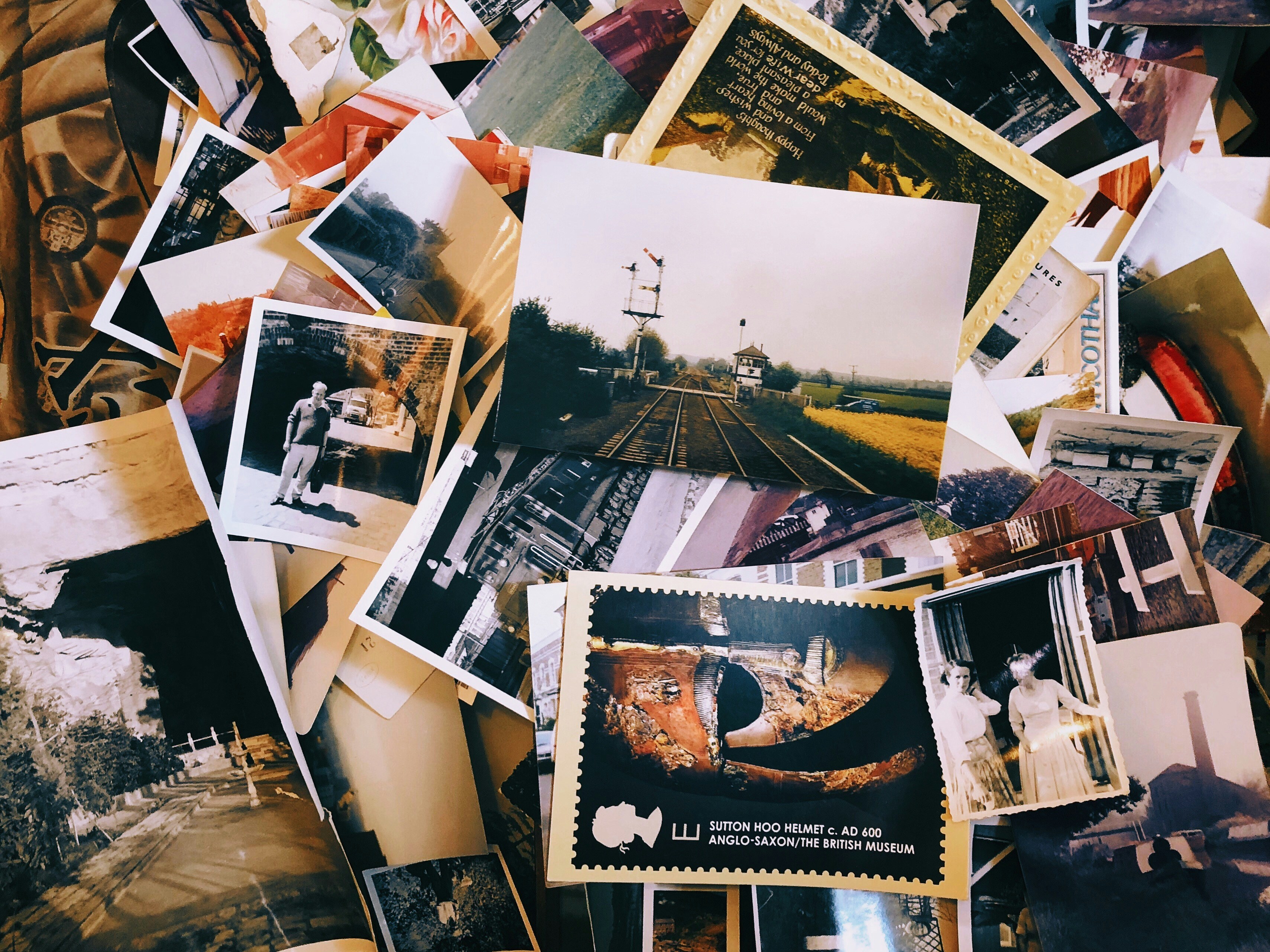
Annotate your photographs. Not all of them – that way lies abandonment. Pick a few dozen that matter and write two lines each: who's in it, where it was, and why you kept it. An unlabeled photograph of four smiling strangers becomes worthless within two generations. The same photograph with "your grandfather's last summer in the old house, three weeks before the move" is an heirloom.
Write down your reasoning, not only the outcome. Why you chose that career, left that job, moved to that town, or handled that family rift the way you did. Your children will face structurally similar decisions and your reasoning is far more useful to them than the result.
Record the practical knowledge. The recipe as you actually make it, including the bit you never measure. How to fix the thing in the basement, which relatives don't speak and why, and where the property line actually runs. This is unglamorous, but useful (and sometimes interesting) to future generations.
Capture some of your voice. Fifteen minutes of audio is worth more than fifty pages of writing to most people, and it takes fifteen minutes. Talk about an ordinary day, because it doesn't need to be profound to be worth having.
Be honest about the hard parts. Sanitized legacies are less useful and less believed. The mistakes and the reversals are where your legacy lives.
How to Survive the Test of Time
Formats rot. Favor open, boring formats – plain text, PDF, JPEG, and MP3 – over anything proprietary. Keep at least one copy somewhere that isn't a single company's cloud account, because accounts get closed and companies get acquired. And write down, in ordinary language, where everything is and how it's organized, because the index is the part most likely to be missing when somebody finally needs it.
Then set a recurring reminder to check on it – annually is great. Attach it to something you already do, like the week you file taxes.
What Types of Tools Might Work Here
The awkward thing about digital legacy is that it asks you to make your most private material eventually accessible to someone else, which is a security problem rather than an organizational one.
Thinkspan holds this kind of material in an encrypted vault with zero-knowledge architecture. Your documents, notes, and recordings are encrypted on your device before anything is transmitted. Data does reach our servers, but it reaches them as gibberish, because we don't hold the key and never see anything readable. For a store that combines financial records, medical history, and personal writing, that's the right default. The trade-off is that strong encryption cuts both ways: whoever inherits this needs the credentials, because we can't open it for them.
Because it's built on a knowledge graph rather than folders, the annotations connect to the things they annotate. The story about your grandfather links to the photograph, to the person, and to the year. The reasoning behind a decision links to the documents from the same period. Someone coming to it later can follow the connections instead of guessing at your filing logic, which is the difference between an archive and a shoebox.
Start Small: Do One Thing This Week
The scale of this puts people off, so start small. Open your photo library, find one picture that means something, and write two sentences underneath it about what's happening and why you kept it. That's it. Two sentences.
Do that ten times over the next month and you'll have produced something your children will keep.





Private AI for Life
Live your best life with Thinkspan: the all-in-one smart solution for organizing, securing, and accessing personal information. With Thinkspan, your life's most important information stays protected and accessible.

Stay Informed
Be the first to know about feature releases and get tips for living your best life by signing up for our newsletter.