
From Scattered Screenshots to Searchable Knowledge: Taming Your Photo Library
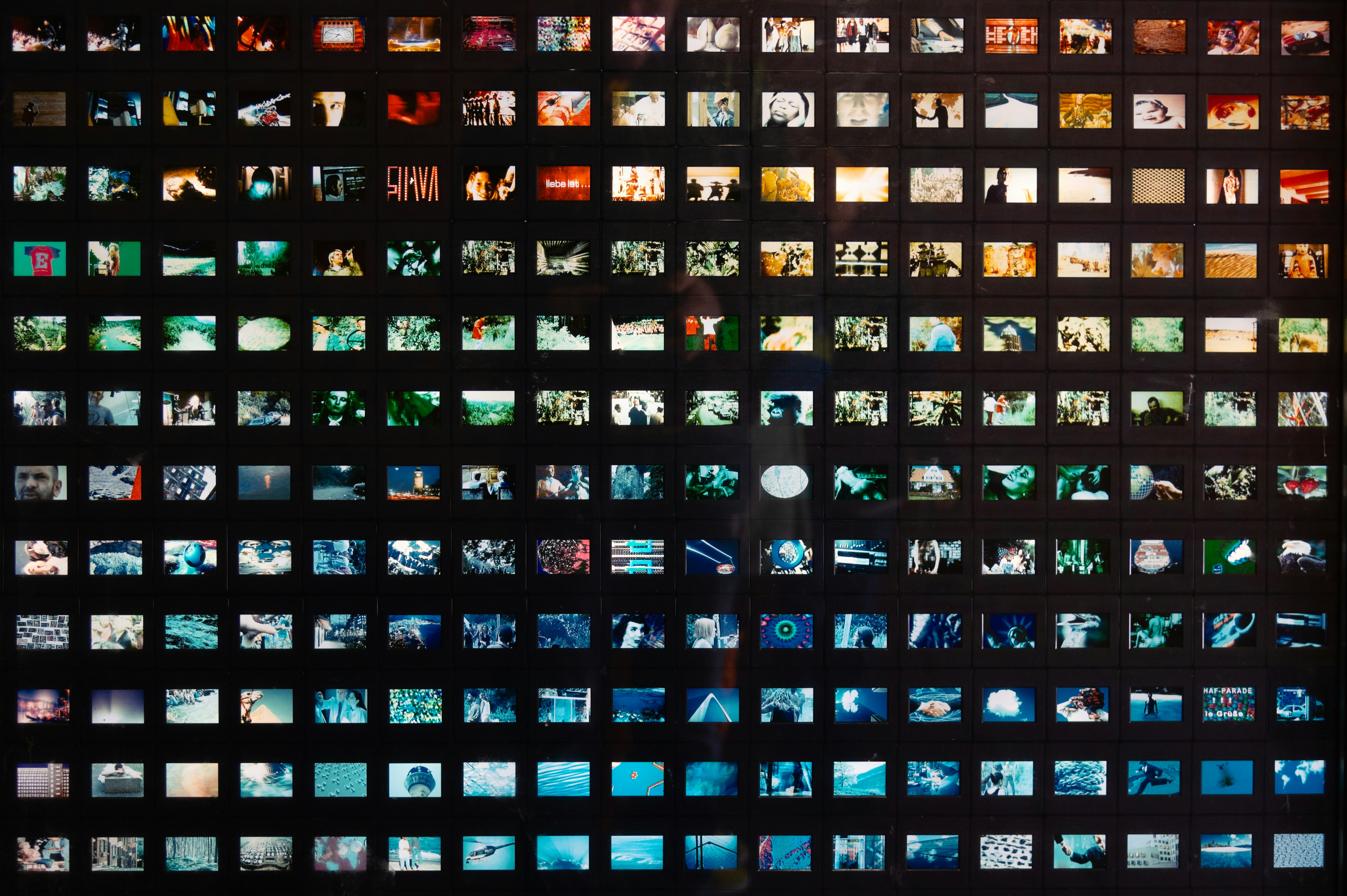
Your camera roll is not a photo album, and it likely hasn't been one for years. It's a filing cabinet that somebody set on fire and then shook, and a third of what's in it probably isn't a photograph at all.
If I look at mine, I’ve got: screenshots of restaurant recommendations, a photo of a whiteboard from a meeting in February, wifi passwords, a shipping confirmation, a photo of the parking level at the airport, my friend's new address (screenshotted from a message), and pictures of the covers of books I saw at the store that I want to come back to buy once I’ve put a dent in my current ‘to be read’ pile.
Every one of those was captured deliberately, because I wanted the information later. And almost none of it is ever retrieved, because the place I put it makes retrieval nearly impossible.
The Screenshot Is a Failed Save Button
Here's what's actually happening when you screenshot something.
You've come across information you want to keep, and the fastest available action – by an enormous margin – is two buttons on the side of your phone. Saving it properly would mean choosing an app, choosing a location, and typing a name, which is maybe forty seconds and four decisions. Screenshotting is one second and zero decisions.
So people screenshot. This is a rational response to bad tooling rather than a personal failing, which is worth saying because the usual framing of this problem is that you're disorganized and need to try harder.
The trouble is that a screenshot strips the information of everything that made it findable. The recipe you screenshotted has no source, no ingredients list your phone understands, and no connection to the meal plan it was for. It's now a rectangle of colored pixels sitting in chronological order between a photo of your dog and a picture of a parking space. The information survived, but the context didn't.
Compare this to how you'd have handled the same thing on paper: you'd have torn out the page and put it in a specific place, because paper forces the decision on you. Digital capture removed the friction and, in doing so, removed the filing along with it.
What Your Phone Can Already Do
Modern phones run text recognition across your photo library automatically. If you screenshotted a menu, searching for a dish on it will often work. Both major platforms also index objects, locations, and dates, and both can detect that an image is a screenshot and separate it from your photographs.
Try it before you assume it won't work. Search your photo library for "receipt" right now and see what comes back.
Where it falls down is on anything that isn't a literal word in the image. Your phone can find the text "kouign-amann" in a screenshotted recipe. It cannot answer "the pastry thing Sarah sent me before the trip," because that question spans a person, a relationship, and a period of time, and none of that is written anywhere on the image.
A System That Doesn't Require a Weekend
The instinct is to declare screenshot bankruptcy and sort ten thousand images by hand. Don't. You'll get four hundred in and stop, and then you'll feel worse about it than you did before.
Do this instead.
Separate the two kinds of image. Photographs are memories and screenshots are information, and because they have different lifespans and different purposes, keeping them in one stream is most of the problem. Nearly every phone can auto-collect screenshots into their own album, which takes about thirty seconds to set up and immediately makes your actual photos usable again.
Fix the capture, not the backlog. From today, when you screenshot something you'll genuinely want, add one line of text to it wherever you're keeping it. Ten words is plenty. "Recipe from Sarah, for the trip in June." That line is the whole difference between something findable and a rectangle.
Triage on a timer – fifteen minutes a week, most recent first. Most screenshots have a useful life measured in days – the boarding pass, the meeting time, the address you already went to – so a large fraction of the backlog can go without you reading it carefully at all.
Then leave the deep backlog alone. Search will handle the occasional thing you need out of it, and the guilt is not doing you any good.
What A Useful Tool Might Look Like
The reason a screenshot becomes useless is that it has no relationships. It knows its own timestamp and nothing else about itself.
Thinkspan stores things in a knowledge graph, so an image can be connected to a person, an event, a place, a project, and a date at the same time. The recipe screenshot links to Sarah, to the trip, and to the week you're planning meals for. Later, when you ask for the bread thing Sarah sent before the trip, that's a question the system can actually answer, because those connections were captured rather than guessed at afterward.
The AI assistant that does the reading and the retrieval runs on-device. That matters for this use case specifically, because screenshots are unusually revealing – they contain conversations, addresses, medical instructions, bank details, and the occasional thing you'd rather nobody indexed. Thinkspan encrypts everything on your device before it goes anywhere. Data does reach our servers, and it arrives as gibberish, because we don't hold the key and never see anything readable.
It won't organize the ten thousand images you already have overnight, and I'd be suspicious of anything claiming it would. What it changes is the capture cost, which is the thing that created the pile in the first place.
The One Habit Worth Building
If you take nothing else from this: add a caption at the moment of capture.
Not later. Later never happens, and by then you've forgotten why you took it in the first place. At the moment of capture you know exactly what this is and why you want it, and that knowledge has a half-life of about two hours.
Ten words, while your thumb is still on the screen. "Where the car is, Terminal 2 blue level." "The paint color, downstairs bathroom." "Dr. Okafor's referral, need to call by Friday."
It's a small enough habit that it survives, and it converts a rectangle of pixels back into a piece of information you can actually get to.
Which raises a question worth carrying around: how much of what you've already saved is genuinely lost, and how much is just badly named?



Private AI for Life
Live your best life with Thinkspan: the all-in-one smart solution for organizing, securing, and accessing personal information. With Thinkspan, your life's most important information stays protected and accessible.

Stay Informed
Be the first to know about feature releases and get tips for living your best life by signing up for our newsletter.