
The Minimalist's Tech Stack: How to Replace 20+ Apps With Strategic Choices
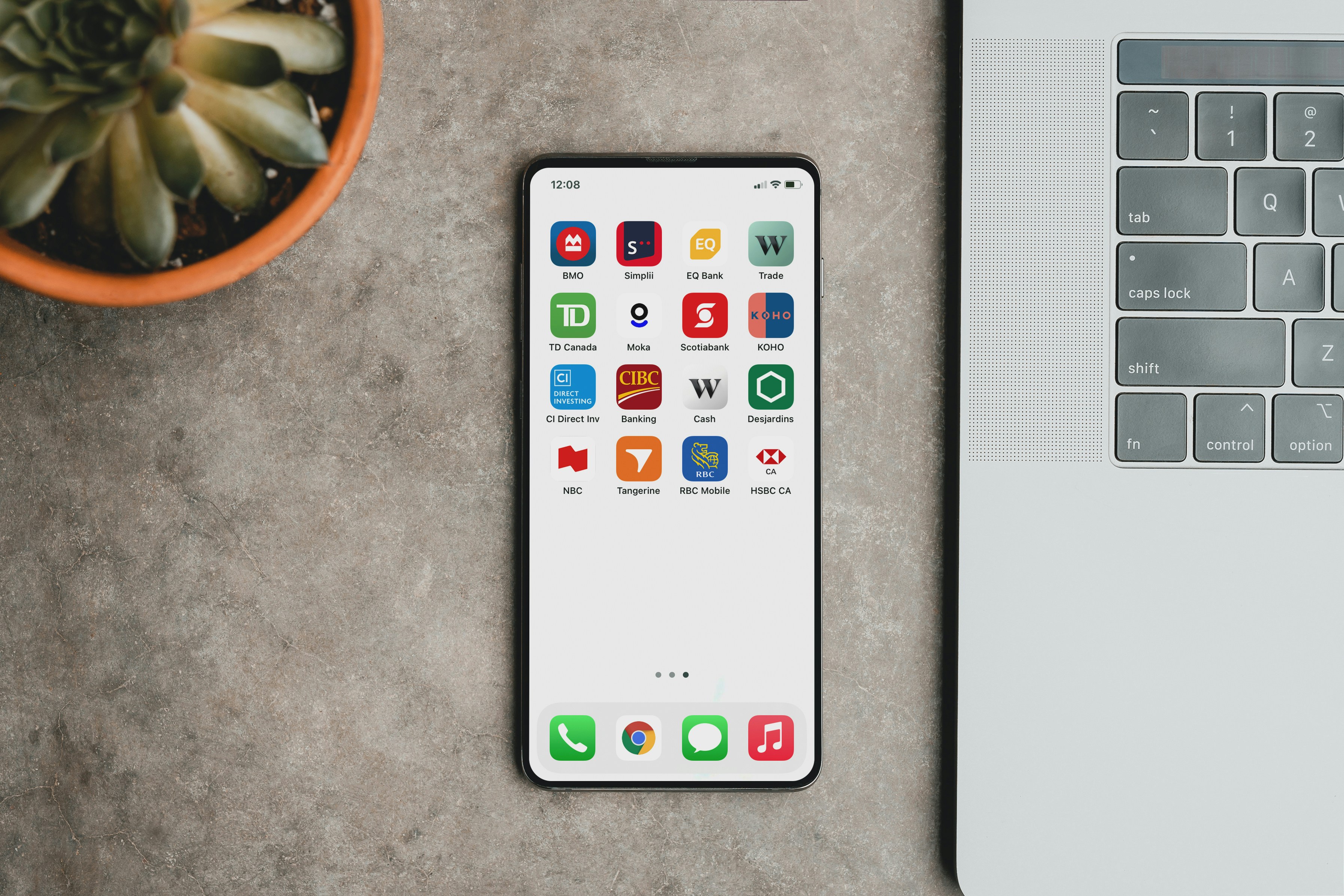
The average smartphone user has 80 apps installed. They actively use about 9. The other 71 are sitting in folders, eating storage, sending notifications, collecting data on a device you paid for.
This is a form of digital hoarding: You downloaded the meditation app because you thought you might meditate. You downloaded the receipt-tracking app because you thought you'd track receipts. You downloaded the second note-taking app because the first one was annoying and you were going to switch, except you never did, and now both have notes in them and neither has all of them.
The conventional advice is: delete apps you don't use. That advice is fine, but it doesn’t necessarily solve the real problem.
The real problem is that you never had a system, so you kept reaching for whichever app had the closest-shaped feature for the thing you needed that week. You ended up with a tech stack the way most people end up with a wardrobe – accumulated rather than chosen.
Why More Apps Don't Solve Problems
There's an assumption baked into how most people use technology: every new problem deserves its own app. Need to track expenses? Get an expense app. Need to remember birthdays? Get a birthday app. Need to scan a document? Get a scanner app. Need to remember which scanner app you used? You can't, because it's somewhere in the 71.
Every app you install adds three costs:
- Context-switching cost. Every time you swap apps, your brain has to remember a different interface, a different login, a different way of filing things. Across 20 apps, that's a lot of mental overhead spent on the apps themselves rather than the work you're trying to do.
- Data fragmentation cost. Your information is now scattered across 20 cloud services, each with its own backup status, privacy policy, subscription, and password. Finding anything requires remembering which app you put it in. If you forget, you lose it.
- A literal monetary cost, i.e. subscription creep. Twenty apps at $4 to $12 a month each is somewhere between $960 and $2,880 a year. Most people have no idea what they're paying, because the charges are spread across the year and buried in the credit card statement.
If you've never done this exercise, sit down for a second and actually total it all up.. It is a sobering twenty minute exercise.
What Replaces What
The next move most people make is to find a single app that does everything and consolidate into it. Sometimes that's right. Sometimes it's a mistake. The trick is knowing which jobs deserve their own tool and which can be combined.
A useful way to think about it: separate transaction tools from archive tools.
Transaction tools are things you use for a specific, time-limited interaction. Your banking app, your transit app, your messaging app, your email. These need to be fast, focused, and reliable, each doing a single job at high frequency. You don't really want to consolidate these. They work best when each is excellent at one narrow thing.
Archive tools are where you keep stuff. Notes, documents, photos, receipts, contacts, records. This is where most people's stacks have ballooned. You've probably got Apple Notes, Google Drive, iCloud Photos, Dropbox, a password manager, a scanner app, a receipt app, a calendar, a contacts app you never opened, and three different note-taking apps for ‘different kinds’ of notes that all somehow contain shopping lists. This is where consolidation helps.
The goal isn't to replace every app with Thinkspan or any other single tool. The goal is one clear home for the things that should live in one place, and a small number of transaction tools that do their narrow jobs well.
The Minimalist Stack
Here's what a deliberately chosen stack looks like for an average person running their personal and modest professional life from a phone and a laptop. This is one version. Yours will differ, but the shape is the point.
For documents, photos, notes, records, life-events, memories, finances, receipts, etc., a single encrypted vault. This is where Thinkspan fits. It replaces the cloud storage, the notes app, the receipt scanner, the photo backup, the personal CRM, and the dozen "I'll put this somewhere safe" apps that all promised to be that somewhere safe. One archive. One search box. One privacy model.
For communication: Whatever messaging app the people in your life use, plus an email client. Two tools. Don't add a third.
For money: Your bank's app, and maybe a budgeting tool if you actually use one. If you don't actually use it, delete it.
For calendar and tasks: One calendar, one task list. Many people use the same app for both. Thinkspan is a great option for the task lists, and if you’re already using it as your encrypted vault you’ve streamlined even further.
For media: Whichever streaming services you watch, plus maybe a book or podcast app. If you have three reading apps, you're not reading. You're collecting reading apps.
That's about a dozen tools. Not 80.
Where to Start
If you do nothing else this week, do this:
- Open your phone's settings and look at app usage over the last 30 days
- Delete anything you haven't opened
- Open your subscriptions list
- Cancel anything you don't actively use
- Pick one archive tool – Thinkspan, or another zero-knowledge vault if you've already settled on one – and start moving the things that should live in one place into one place
You will not finish this in a week. You probably won't finish it in a month. That's fine. The point isn't a perfect stack on Friday. The point is reversing the direction of drift, so you're choosing your tools rather than accumulating them.
A minimalist tech stack isn't about having fewer tools for the sake of it. It's about the right tools, doing the right jobs, with the right data in each one. Most people, given twenty minutes and a calculator, can cut their app count in half and their monthly tech bill by a third without losing a single thing they actually use.
The hard part isn't the deleting. The hard part is admitting that the app you downloaded in 2022 to fix your life is not, in fact, going to fix your life. That decision belongs to you, not to the App Store algorithm.







Private AI for Life
Live your best life with Thinkspan: the all-in-one smart solution for organizing, securing, and accessing personal information. With Thinkspan, your life's most important information stays protected and accessible.

Stay Informed
Be the first to know about feature releases and get tips for living your best life by signing up for our newsletter.