
Passkeys Explained: What Replaces Your Passwords, and What Still Needs Protecting
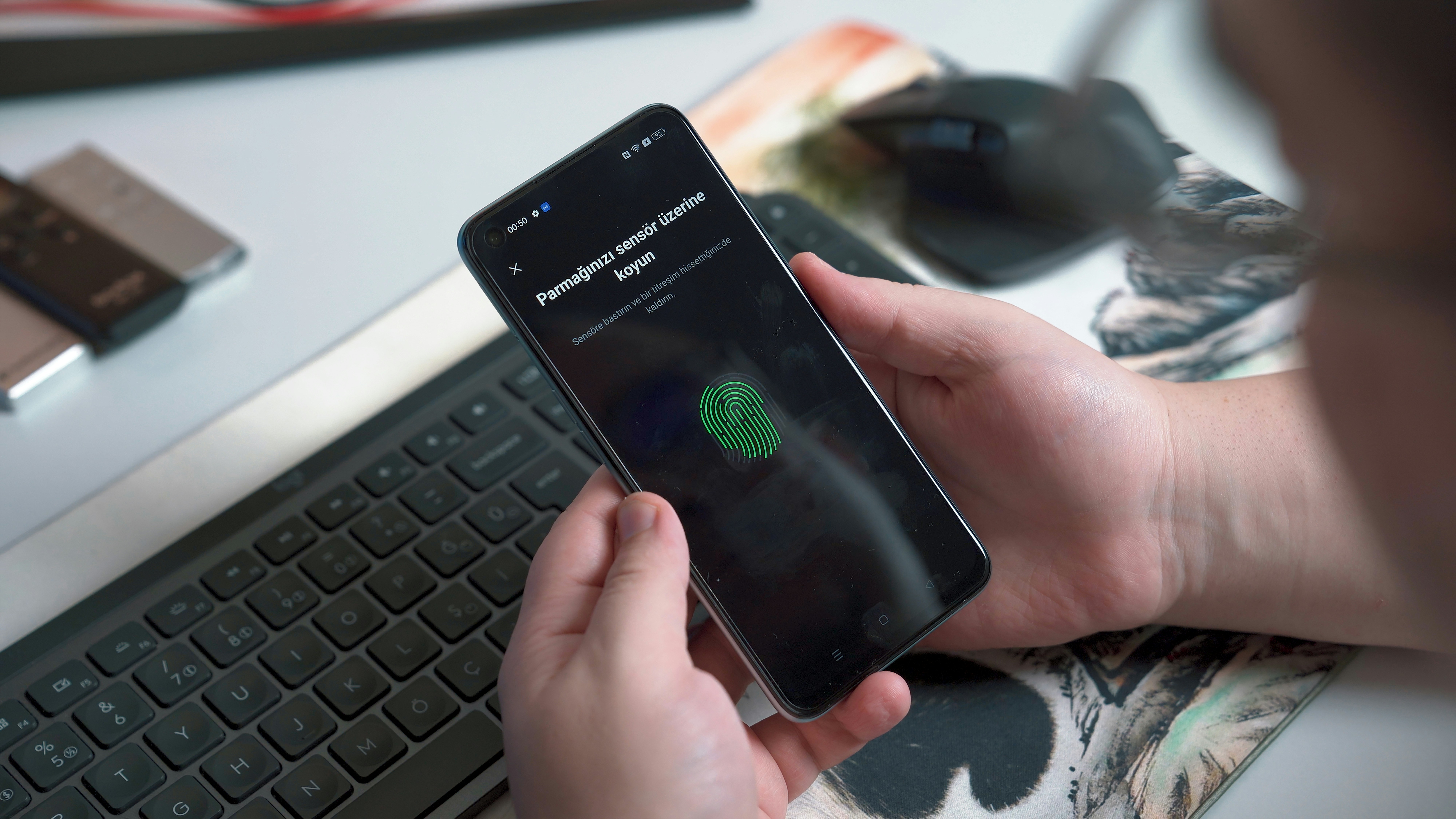
At some point in the last couple of years, a login screen probably asked if you wanted to "create a passkey." Maybe you tapped yes, looked at your phone, and haven't typed that password since. Maybe you tapped "not now" because you weren't sure what you were agreeing to.
Passkeys deserve most of the praise they get. They fix several of the worst problems with passwords. They also cover less ground than some people assume, and the gap is worth understanding.
What a Passkey Is
A passkey is a pair of cryptographic keys created for one account on one site. One key is public, and the site stores it. The other is private, and it stays on your devices, usable only after you confirm with your face, fingerprint or device PIN.
When you sign in, the site sends a challenge, a piece of random data. Your device signs it with the private key, and the site checks the signature against the public key it has on file. If they match, you're in.
The important part is what the site doesn't hold. It never stores a secret it could leak. A breach of the site's login database yields public keys, which can't be used to sign in. Your face or fingerprint doesn't go to the site either. It only tells your own device that you're the one holding it.
Each account gets its own key pair, so there's no such thing as reusing a passkey. A breach at one site tells an attacker nothing about your accounts anywhere else, which removes the damage that password reuse has caused for years.
Why They Stop Phishing
Phishing works because a password can be typed anywhere. A convincing fake login page collects whatever you enter, and the attacker uses it on the real site.
Passkeys remove that step. There's nothing to type. Each passkey is tied to the real site's domain, and your device will only use it to answer that site's challenge. A lookalike domain gets nothing, because your device has no passkey for it.
The FIDO Alliance, the industry group behind the standard, describes passkeys as "phishing resistant and secure by design." For most people, phishing is the most likely way an account gets taken over, so this matters more than any other feature.
Synced vs. Device-Bound
Passkeys come in two kinds, and they’re quite different in function if you use multiple devices or have ever lost or replaced your phone.
Synced passkeys move between your devices through a cloud service, such as your phone platform's password manager or a third-party one. The provider end-to-end encrypts them in transit and storage, so a new phone can sign you in without starting over. This is the kind most people use.
Device-bound passkeys never leave a single device. A hardware security key is the common example. They offer the highest assurance, since no copy exists anywhere else. Lose the device, though, and that passkey is gone. If you use them, register a second key or keep another sign-in method, and store the backup somewhere safe.
How Common They Are
Passkeys are no longer a niche feature. In a 2024 survey commissioned by the FIDO Alliance, 53% of people reported enabling passkeys on at least one of their accounts. Many large sites now offer them, and some prompt you to create one when you sign in.
Adoption is uneven. Plenty of smaller sites still accept only passwords, and many accounts that support passkeys keep a password as a fallback. For most people, the near future is a mix of both.
What Passkeys Don't Protect
Passkeys solve authentication: proving it's you when you sign in. They don't change what happens to your data once you're inside.
- The data inside the account. A passkey-protected email or cloud drive is only as private as the provider's storage. If the provider holds the encryption keys, it can read your files, and so can anyone who breaches it or compels it to hand them over.
- What the provider can see. A better login does nothing to limit what the company itself collects, analyzes or keeps.
- Documents stored elsewhere. The passport scan in your camera roll, the tax PDF in your downloads folder and the attachments in old emails aren't covered by any login improvement.
- Account recovery paths. If an account still allows recovery by text message code or email link, an attacker may go after that instead. An account is only as strong as its weakest way in.
Your passkeys are also only as safe as the devices that hold them, so a strong screen lock still matters.
In short, a passkey makes it much harder for someone else to sign in as you. It has no effect on a provider that can already read what you store. We go into that distinction in more depth in Password Managers vs. Encrypted Vaults.
So If That’s What Passkeys Are, What Does Thinkspan Offer?
Passkeys secure the door. Zero-knowledge encryption secures what's behind it. Thinkspan is built on the second: your documents, notes and records are encrypted on your device before anything is sent, the keys stay with you, and what reaches our servers is unreadable without them. A breach of our servers would turn up encrypted data, not your files.
The trade-off is recovery. If you lose your credentials, we can't restore your content, so the advice above about backups applies here too.
For anyone concerned about their digital privacy, this should matter to you. A passkey is only as useful as what it locks – and Thinkspan makes sure that the stuff in the room is just as secure as the door, even if someone breaks in.
If that type of information security is important to you, give us a try. Thinkspan is free in Beta on iOS and Android.







Private AI for Life
Live your best life with Thinkspan: the all-in-one smart solution for organizing, securing, and accessing personal information. With Thinkspan, your life's most important information stays protected and accessible.

Stay Informed
Be the first to know about feature releases and get tips for living your best life by signing up for our newsletter.