
The Graph Database Revolution: Why Your Notes Should Think Like Your Brain
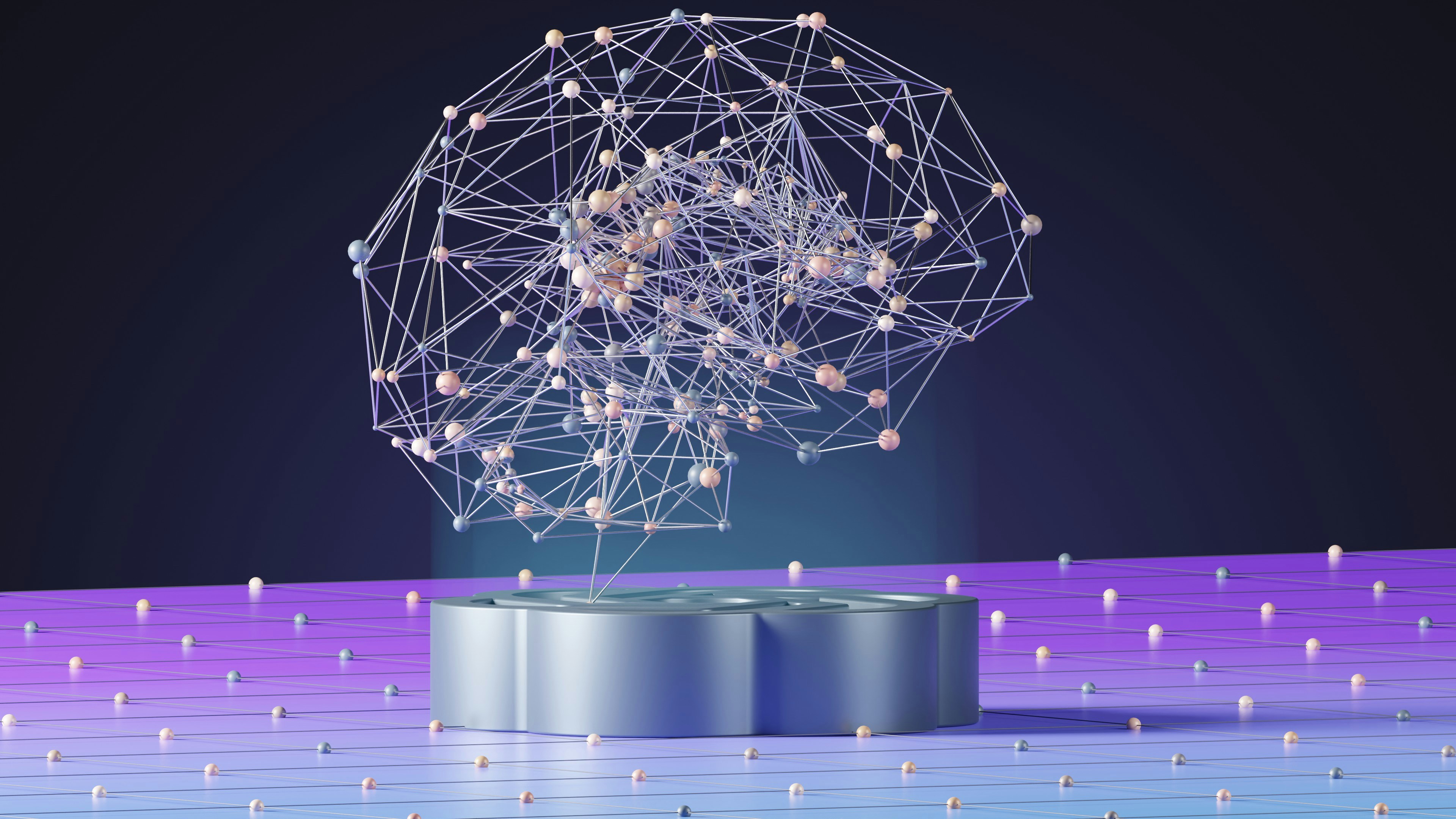
Folders were a great way to structure information when computers were basically the digital version of a filing cabinet. But folders are an organizational lie. When someone says "Paris," you don't open a single Paris file. You think of croissants…your friend who lives there…that awful flight in 2019…a song lyric… even a color palette. Those thoughts arrive together, linked. That web of associations is the actual structure of your knowledge, and filing systems are the structure that got built because computers couldn't do anything better. Now they can.
What a Graph Database Is (Compared to a Relational One)
Most software you've used sits on top of a relational database: rows and columns – the same architecture your accountant's spreadsheet probably runs on. It is excellent at counting things, but terrible at remembering relationships.
A graph database flips the script. Instead of tables, it stores two things: nodes and edges. Within the Thinkspan ecosystem, nodes capture the things you care about – think people , documents, places, and ideas. Edges are the relationships between them – mentions, happened at, references, contradicts, knows of, etc. Every connection is itself a piece of data. Your knowledge isn't filed somewhere; it's woven into the relationships.
Compare this to a folder. A folder tells you one thing: this file is in this folder. A graph tells you everything you've ever linked to that file, in every direction, at once.
Why Should I Care?
Imagine a freelance designer – let’s call her Margot. She has three active clients, takes meeting notes in one app, stores design references in another, keeps invoices in a third, and constantly loses things. She’s losing things not because she's disorganized, but because the systems she uses assume every note belongs in exactly one place.
The notes about Client A's brand guidelines don't have a clean home. They're also notes about color theory, a reference for an unrelated project, and something she wants to revisit when she eventually writes her own brand brief.
In a folder system, she has to pick where those notes live. In a graph, she doesn't. The note can connect to Client A, to color theory, to her future brand brief, and to the meeting where it surfaced. Search for any of those, and the note surfaces.
Three Things Graphs Do That Folders Can't
There are three behaviors that appear naturally with a graph structure, and a folder system can't replicate them (without a lot of metaphorical duct tape).
- Following a thought across categories. You're writing a piece about pricing and you vaguely remember a conversation about pricing psychology from a podcast you saved six months ago. In a folder system, you have to remember which folder you put the podcast notes in. In a graph, you search "pricing" and the podcast surfaces, because you linked it to pricing the moment you saved it. You didn't have to file it correctly. You just had to mention what it was about.
- Surfacing connections that you didn't make yourself. Your notes on three different client projects all mention the same supplier. In a folder system, that pattern is invisible. In a graph, it's a node with three edges, and a good interface will show you. Now you know that supplier is doing a lot of your work – possibly worth a conversation about a discount, a referral, or moving more business their way.
- Adding context without reorganizing. Six months from now, your understanding of a topic will be different. A folder system makes it hard to recategorize old notes without breaking everything. A graph just lets you add new edges. The old notes get richer, and you don't have to migrate them. The structure compounds instead of decaying.
Where Thinkspan Sits in This
Thinkspan is built on a graph database (which is the reason this post exists)! The semantic knowledge graph isn't a feature we bolted on for marketing – it's the architecture underneath everything. Every time you add a person, a document, a photo, or a note, you add a node. Every time you link two of them – even implicitly, by mentioning a person's name in a meeting note – you add an edge.
Over time, this becomes a map of your life. Not a folder hierarchy you have to maintain, but a structure that grows as you do. You can query it from any direction: show me everything related to Mom; show me every note that mentions both my accountant and my mortgage.
I want to flag the honest trade-off. Graph databases are not magic. If you never link anything, you have no graph – just a pile of isolated nodes. The system gets more useful the more you use it, which means the first week is less impressive than the first month, which is less impressive than the first year. Don’t quit at week one.
The best knowledge tool is the one that matches the shape of your thoughts.



Private AI for Life
Live your best life with Thinkspan: the all-in-one smart solution for organizing, securing, and accessing personal information. With Thinkspan, your life's most important information stays protected and accessible.

Stay Informed
Be the first to know about feature releases and get tips for living your best life by signing up for our newsletter.